
Let your tableorder for itself
and put the paper menu away
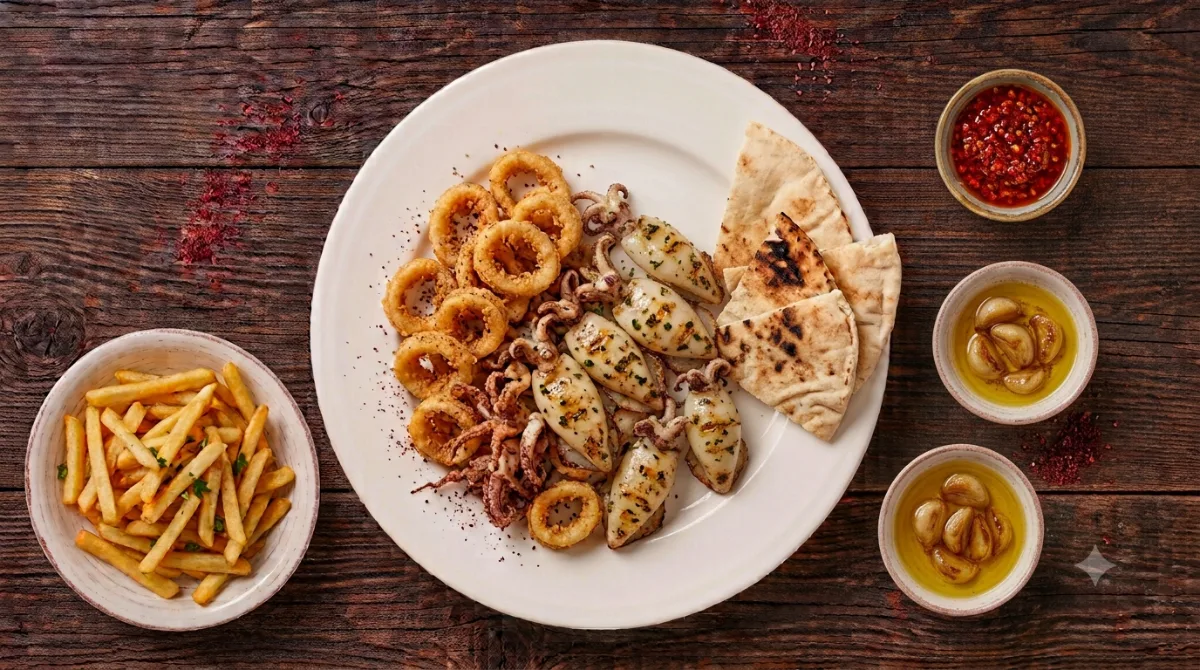
Your guest scans the code on the table, browses your dishes with photos, and orders from their phone. It reaches the kitchen and the till the same second, and the bill prints with your logo.
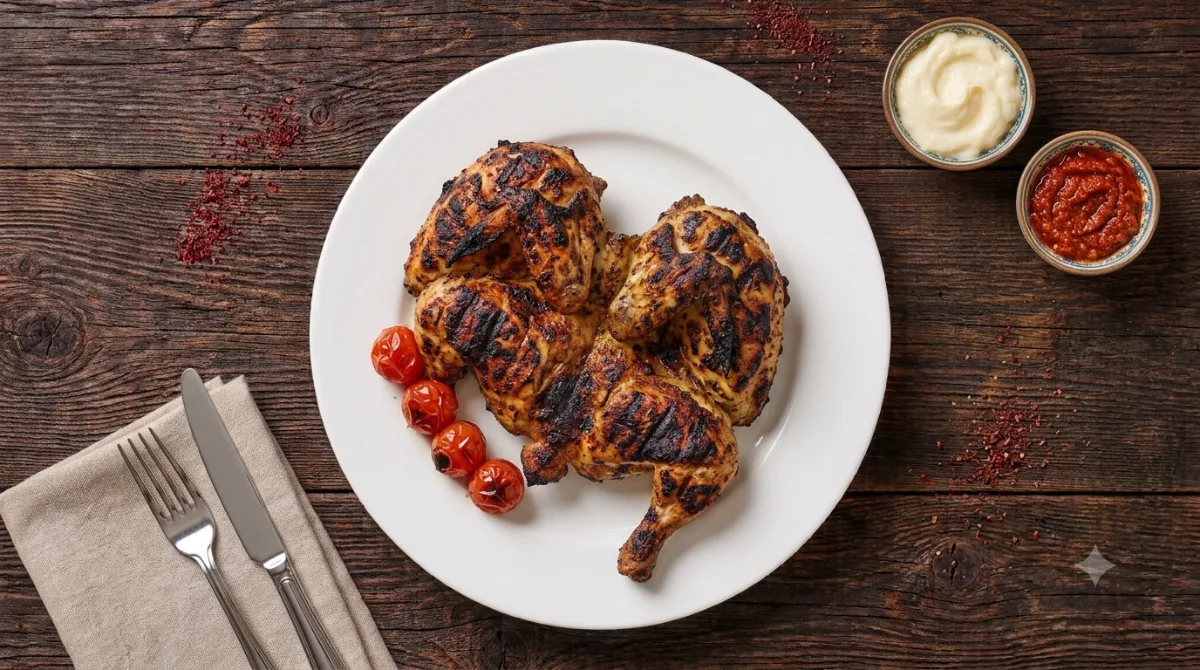
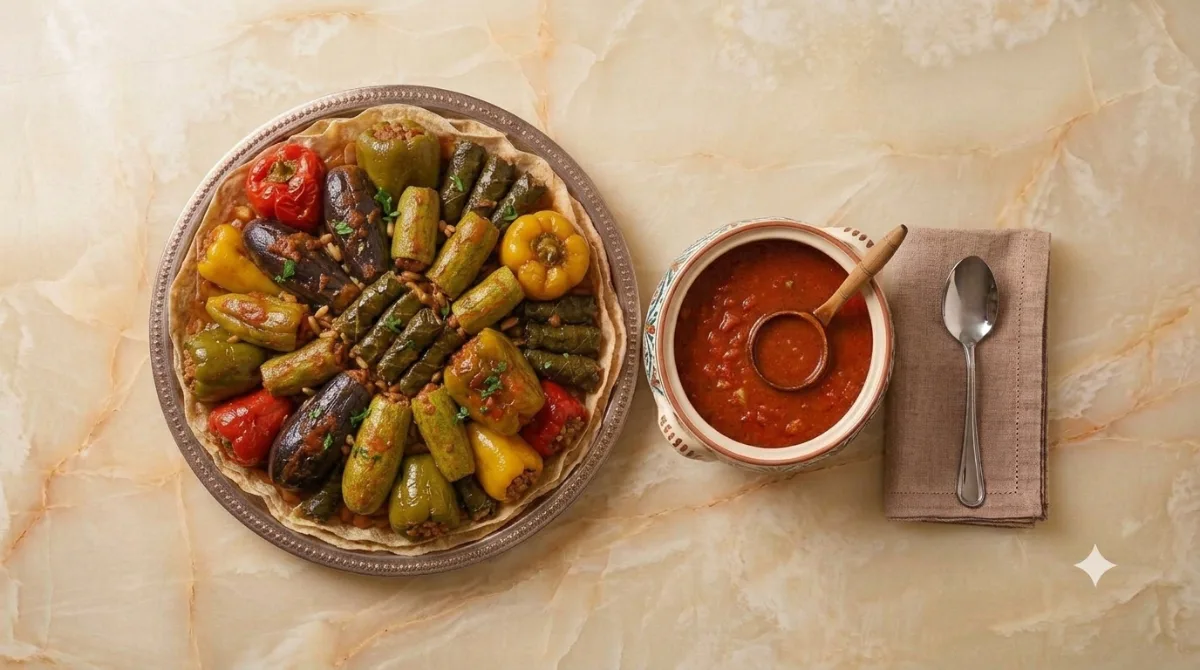
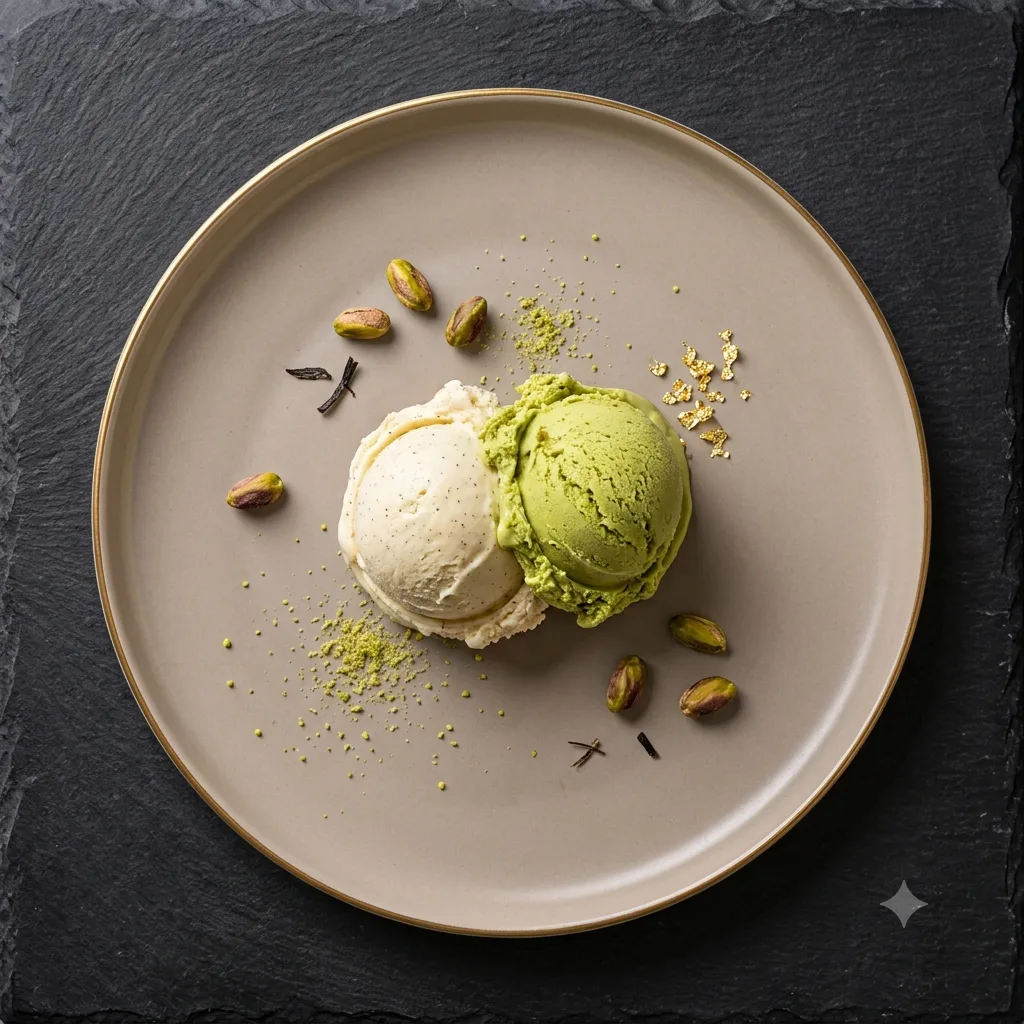
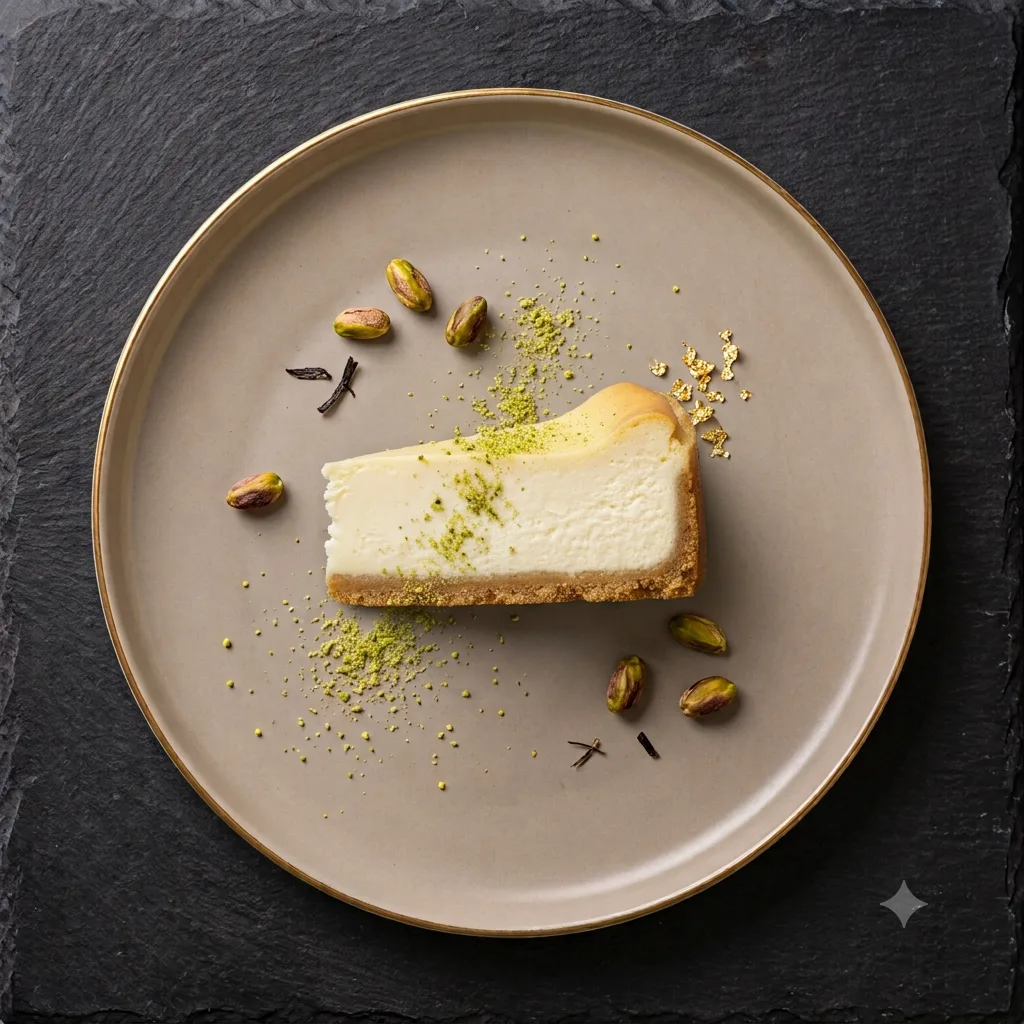
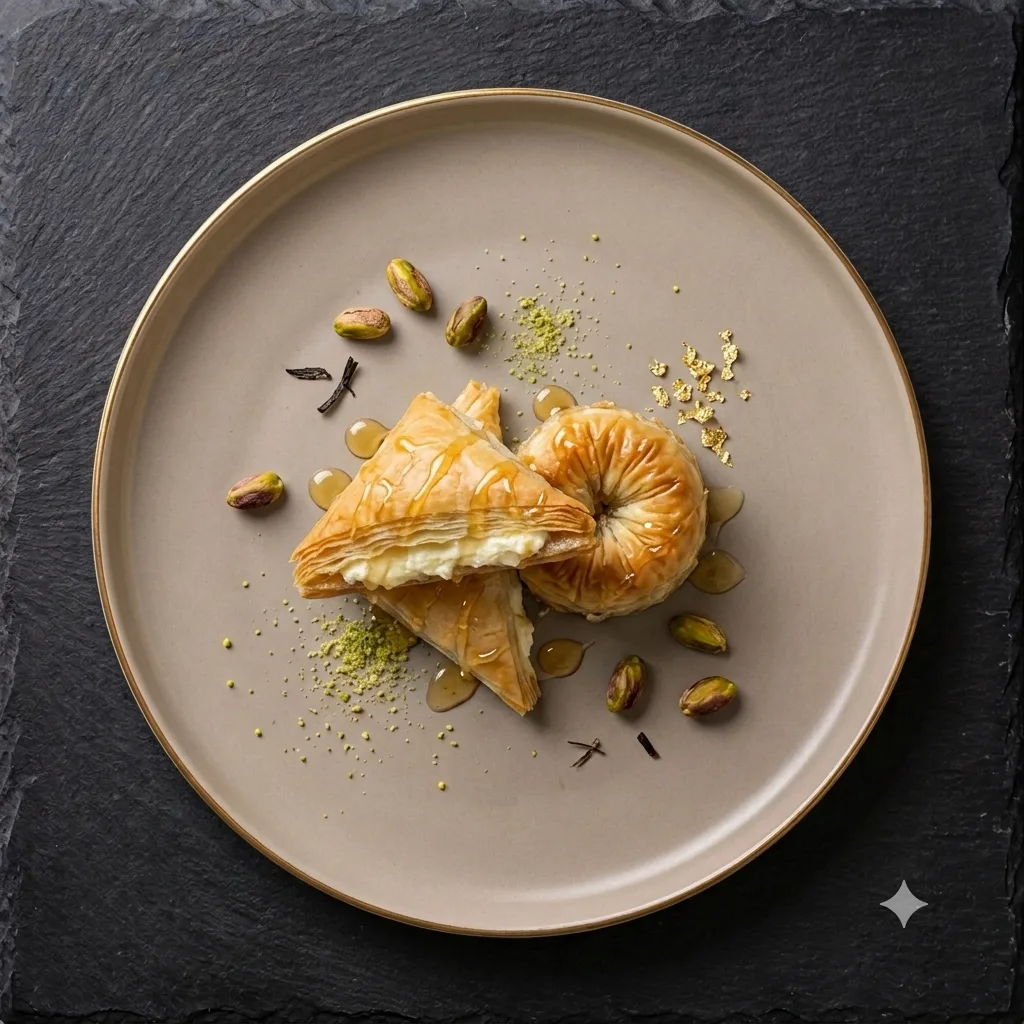
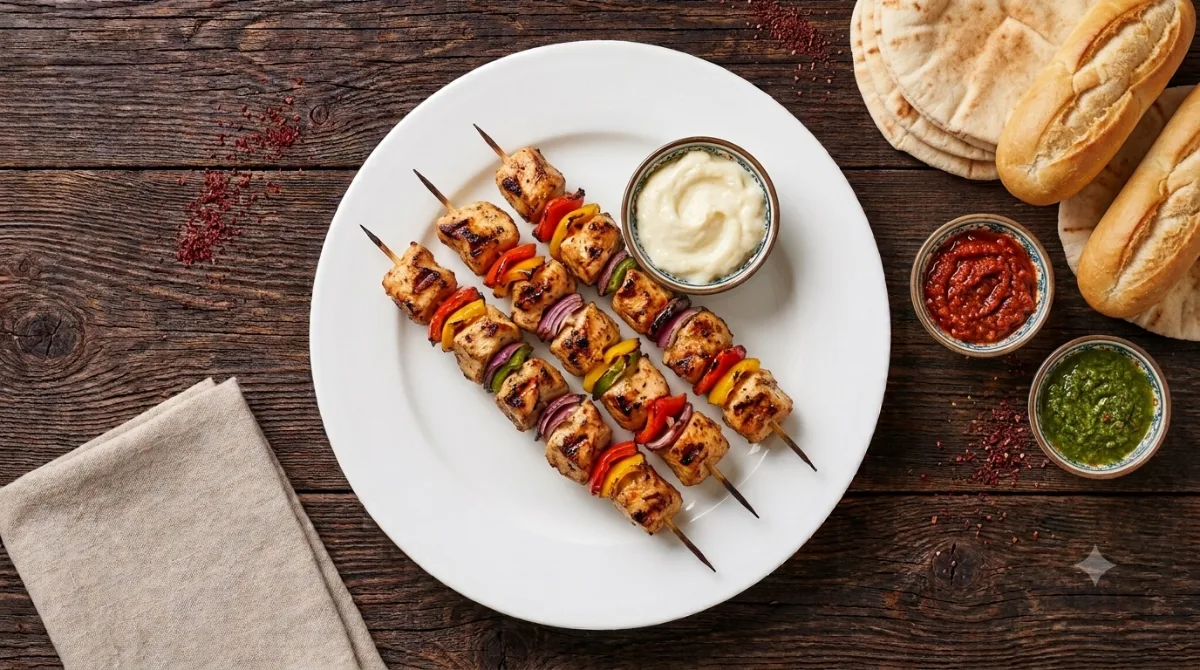 +Shish Tawook1,300 SYP
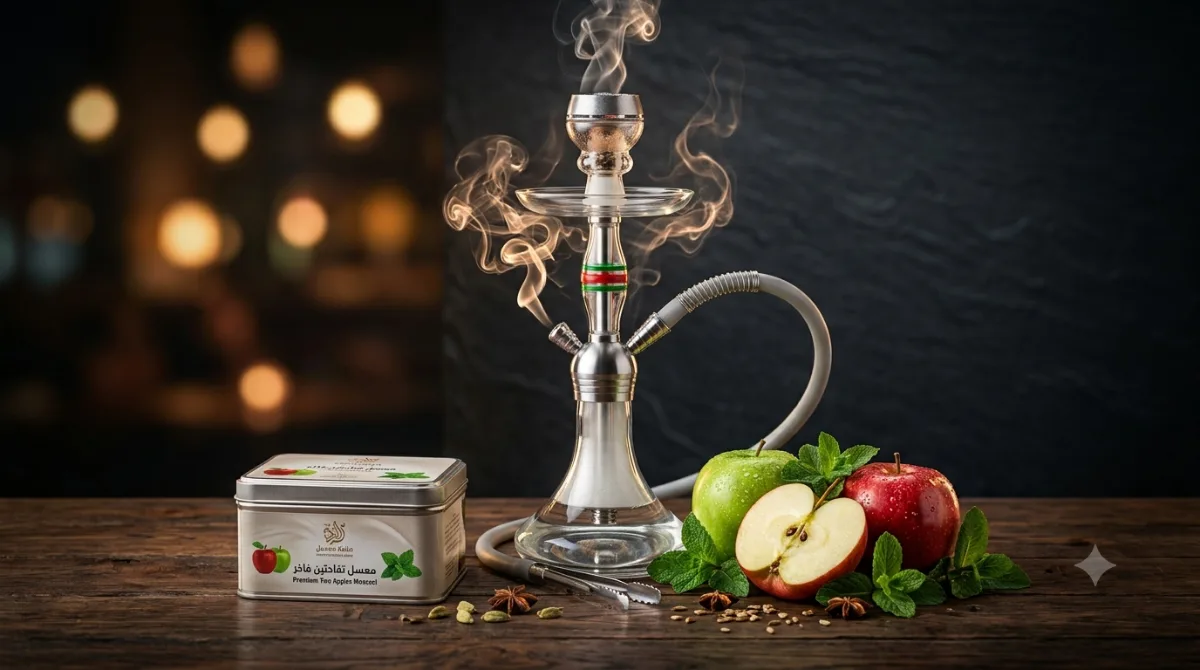 +Double Apple Shisha240 SYP
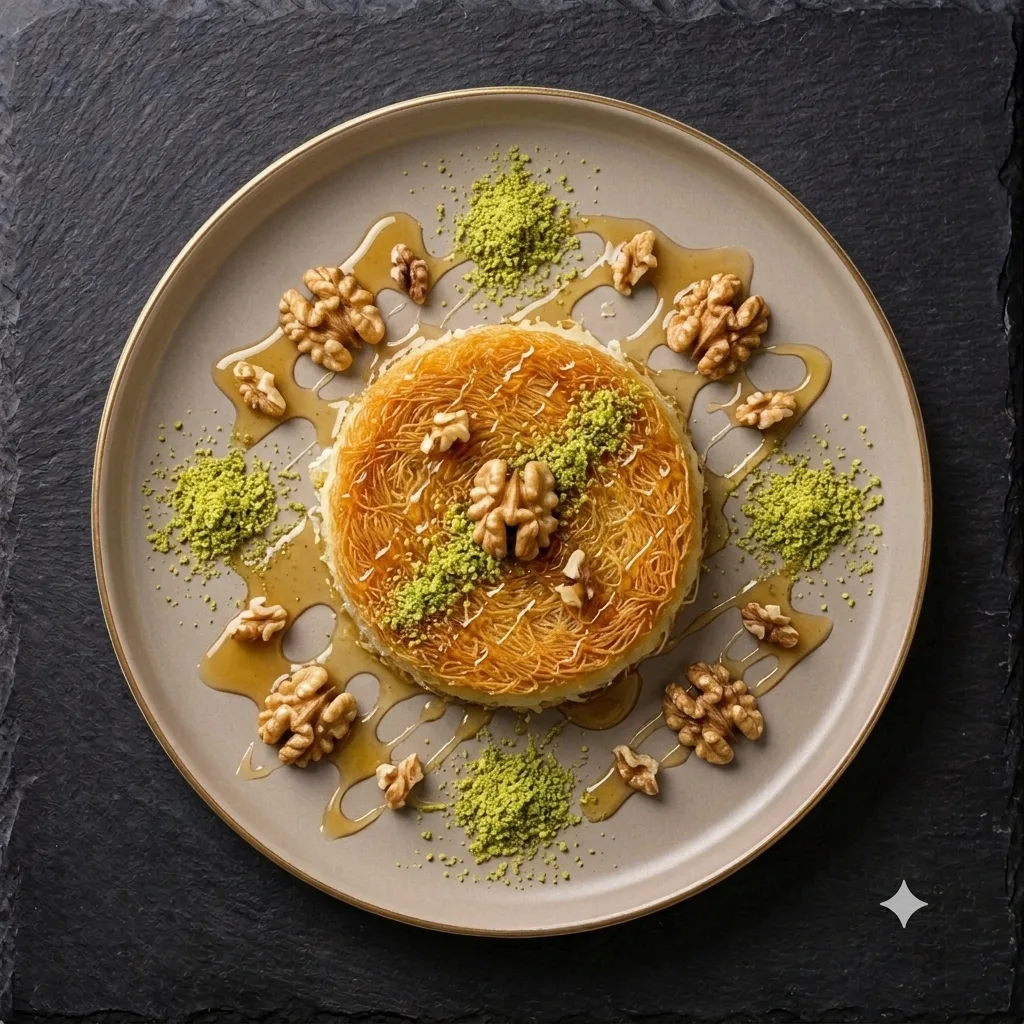 +Kunafa220 SYP
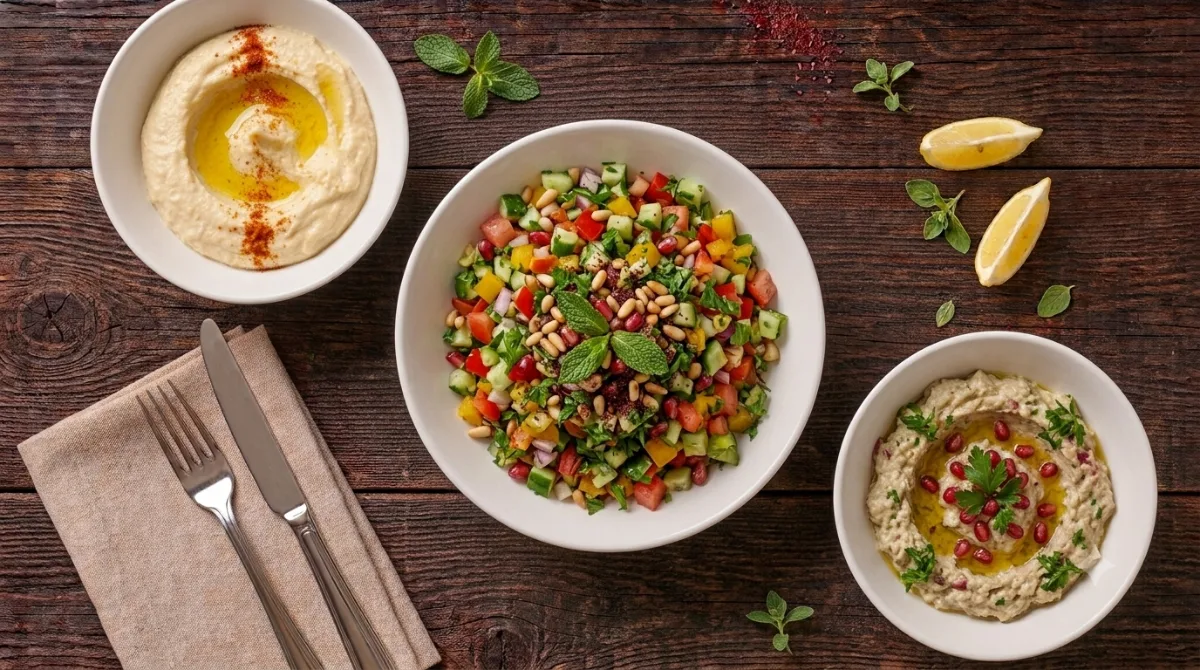 +Eastern salad100 SYP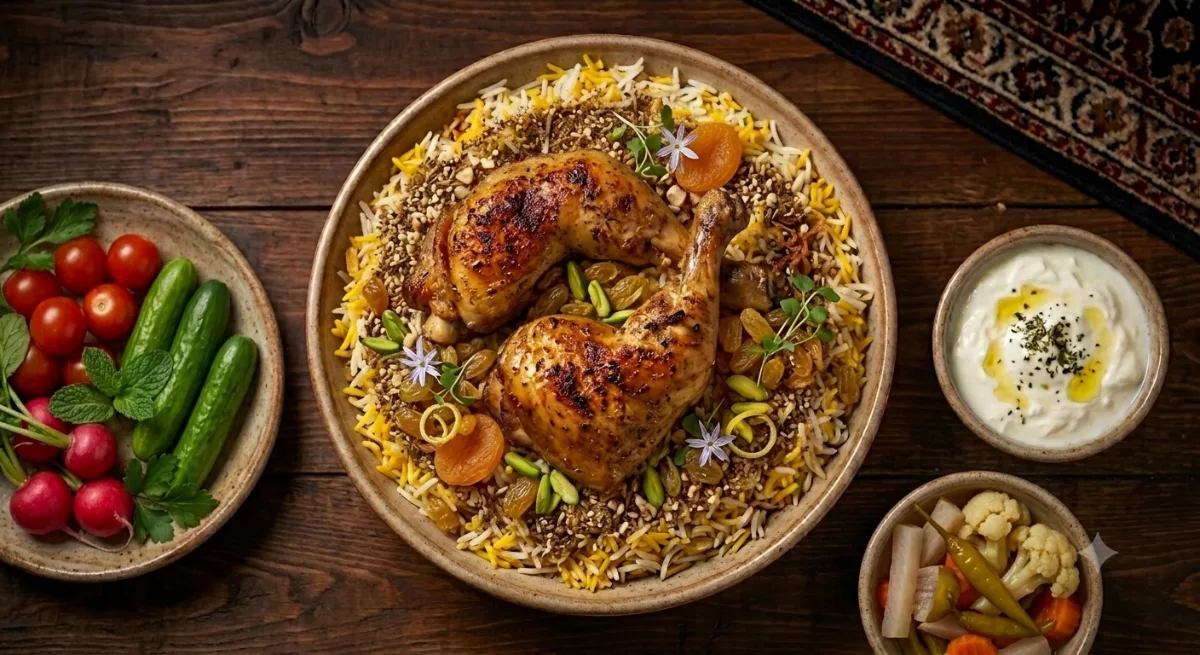
The difference, from day one
What exactly do you get?
Not a list of features — what each one actually means for your guest, for your team, and for you.
For your guest
An experience that makes them order more — and come back.
A photo menu, one scan away
They scan the code and your menu opens — your colours, your logo, your dish photos. No app to install and no account to create.
They order without waiting
They pick dishes, options and a note — “no onions” — and confirm. It reaches the kitchen the same second.
Waiter and bill, one tap each
Two buttons on their menu: call the waiter, ask for the bill. The call reaches your staff with a sound and the table number.
Loyalty points that bring them back
Points on every bill, redeemed as a discount next visit. You set what a point is worth and when it can be used.
Takeaway, ordered from home
One link for your Instagram bio or WhatsApp status. The guest orders with a name and a number, and it lands straight on the till and kitchen screens.
- They book before they arrive
- A menu that looks like your restaurant
- Their car, ready before they stand up
For your team
Every station sees only what it needs, with its own permissions — and nothing is lost between floor and kitchen.
Separate tickets per station
The order arrives whole and splits itself — sushi to the kitchen, juice to the bar, hookah to its own station. One ticket each, with its own print button.
A floor screen that shows every table
Busy or free, for how long, and what the bill has reached. A table that has waited too long changes colour.
The table's bill in one tap
Four orders on one table become a single invoice, printed under your logo. The confirmation names the table and the amount before anything is settled.
An account per person, with its own reach
Cashier, kitchen, bar, hookah, captain, driver — each sees only their own screen. The kitchen sees dishes; the driver sees cars, never your guests' numbers.
Prints on the printer you already own
A 58mm or 80mm roll or an A4 sheet, wired or Bluetooth, from a laptop or a phone. Nothing to buy and nothing to install.
- The cashier can write the order
- Water and napkins add themselves
- An app on the phone, alerting even when closed
For you
Know what is happening in your restaurant, even when you are not in it.
Know your numbers, not your gut
Monthly revenue, average bill, top dishes, cancellation rate — exported to Excel whenever you want them.
A record of who touched the money
Who settled, who cancelled, who discounted, who changed a price — with a name, a time and an amount. Filter by person or by action to review one shift on its own.
Your real profit, without an accountant
The cashier records everything paid from the till — purchases, expenses, supplier payments, with a photo of the invoice — and you see the day's and the month's profit in lira and dollars, what you owe each supplier and what is in every box. Anything over your limit waits for your approval. An optional add-on in the Custom plan.
Change a price in a second
Edit from your phone and it changes for every guest at once. Mark a dish sold out and it greys out instead of being ordered, or “coming soon” before it arrives.
The review reaches you before it reaches Google
After the bill is paid the guest is asked how it went, and the answer comes to you first. Reply to a complaint, or share a good review on your pages.
An English menu, ready for visitors
A full second version, one tap away. You write each name and description in both languages once.
- Your offers inside the menu itself
- A booking link, wherever people follow you
- Your account is not open on every phone
- Your data leaves with you, whenever you like
See a real menu, live
Open a working restaurant's menu on your phone, exactly as its guests see it.

From sign-up to first order — in a day
We do it with you: we build your menu, set up your branding and train your team.
Register
Your restaurant name and phone — two minutes. Your account opens instantly and the free trial starts.
We build your menu
Send us your current menu — together we enter the categories, prices and photos, and set up your colours and logo.
Put up the codes
A code per table and a fifteen-minute walkthrough for your team — then the first order lands in your kitchen.
A plan for each stage
Start with what you need today and upgrade with a tap — no re-entry, no reinstall.
Menu
- A full menu in your own branding
- Change any price in seconds — no reprinting
- Dish photos and offers
- A QR code for every table
- English menu for tourists
7 days free · no upfront payment
Operations
- Everything in Menu
- Guests order from the table or for takeaway
- A separate ticket for kitchen, bar and hookah
- A floor screen showing every table and its bill
- Billing, printing and daily reports
- Call waiter and request the bill
- An account per person, with its own permissions
7 days free · no upfront payment
Custom
- Everything in Operations$59
Operations $59 + extras $28
Total$87 / mo
7 days free · no upfront payment
A tourist venue, a VIP restaurant, or a feature that isn't here? Message us on WhatsApp and we'll build it for you.
What every owner asks
Complete answers, in plain words — tap any question to open it.
Getting started
What is Sufratech, briefly?
One platform that runs your restaurant end to end: a digital menu your guest opens on their phone, orders that reach the kitchen and cashier the same second, invoices printed with your logo, and reports that tell you what actually sold. It all runs in the browser — nothing to install, nothing to buy, no server in your restaurant to maintain.
Do I need new hardware or a POS?
No. Any phone, tablet or computer with a browser and a connection is enough. The cashier opens their screen on the device they already have, the kitchen on theirs, the guest on their own phone. Your existing printer prints the bill like any other page.
How long before I'm live?
A day, typically. We enter your categories, dishes, prices and photos, set up your colours and logo, prepare a code for every table, and train your team. You send us your current menu — we do the rest.
My staff aren't technical — will they manage?
The cashier's screen has two main buttons: accept, and settle. The kitchen sees a ticket and a “ready” button. There are no nested menus and nothing to break, because each account only ever sees its own screen. Training takes about fifteen minutes, and we do it.
What if a guest doesn't want to order from their phone?
Nothing changes for them. The waiter takes the order as always and the cashier enters it, and it follows exactly the same path: same kitchen ticket, same invoice, same end-of-day report. Phone ordering is an option for the guest, never a requirement.
Does it work offline?
No — the order travels from the guest's phone to your screens over the network. The upside is that your data isn't trapped on a device: if the cashier's tablet dies, open the screen anywhere else and every order and invoice is exactly where you left it.
Features, explained
How exactly does a guest order?
They point their camera at the code on their table and your menu opens — no app, no account, no password. They browse photos, pick sizes and extras, add a note (“no onions”), and confirm. The ticket appears on the cashier's and the kitchen's screens the same second, with the table number.
Why split an order across kitchen, bar and hookah?
One order can hold a salad, a juice and a hookah, each prepared somewhere else. The platform splits it by itself: every station sees its own items and prints its own ticket. Nobody scans someone else's page looking for their line, and no juice is forgotten at the bottom of the kitchen's sheet.
My place has no bar or hookah.
Assign every dish to the kitchen and no other station appears at all. The split follows the shape of your restaurant, not the other way round.
How do alerts reach my staff — even with the phone locked?
They do. The platform installs to the home screen in two taps, so alerts arrive even when the browser is closed. Each event has its own tone — new order, bill request, waiter call, car request — so your team knows what arrived before looking.
Can I edit the menu myself?
Yes, from your phone, from outside the restaurant. Add a dish, change a price, upload a photo, or mark something sold out and it greys out, unorderable. The change reaches every guest within seconds: no reprint, no pen through a price, no apology to someone who chose at the old one.
How do loyalty points work?
Guests earn points on every bill they pay and redeem them as a discount next visit — you decide how many are granted and what they're worth. The point is to give the return visit a concrete reason, because winning back someone who already tried you costs a fraction of convincing a stranger to walk in.
What is the valet feature?
The guest registers their plate on arrival, and before standing up taps how many minutes they need. The request reaches the driver's account with the plate and the time, so the car is at the door as they walk out instead of them waiting on the pavement — a wait that erases the whole of a good meal.
How does it protect me from mistakes or theft?
Every action that touches money is recorded with a name, a time and an amount: who settled, who cancelled, who discounted, who changed a price. The commonest way cash leaves without a trace is an order cancelled after it was paid — the log makes that visible without you standing behind anyone.
What are the water and tissue lines on the bill?
Fixed lines added automatically once per invoice — not per person. You set the name and price in your settings, and the guest sees them on the menu before ordering, because a charge first discovered on the bill reads as a trick. The cashier can remove them for anyone who didn't take them.
Is my menu available in English?
Yes, a full second version one tap away. You write the name and description in both languages once, and each guest reads their own — a visitor who can't read the menu orders what they recognise instead of what they'd have wanted.
Does the platform track my expenses and profit?
Yes, with the Expenses & profit add-on. The cashier records from their phone everything paid from the till — vegetables and meat, gas and amperes, a supplier payment — and photographs the invoice. Fixed costs such as rent and salaries book themselves on their day. At any moment you see sales, purchases, expenses and net profit, in lira or dollars, what you owe each supplier and what is in every box. Any spending over the limit you set waits for your approval, and every change stays recorded against the name of whoever made it.
Plans & payment
What's the difference between the three plans?
Menu puts your menu on every guest's phone and lets you change a price in a second. Operations runs the whole restaurant: ordering, billing, kitchen/bar/hookah screens, a floor view, daily reports and staff accounts. Custom sits on top of Operations: pick what your restaurant needs from six extras — loyalty, reviews, reservations, valet, music requests and a full activity log — and pay the sum of what you picked, nothing more.
Can I start with just the menu and upgrade later?
Yes, and that's what we suggest if you're starting out. Begin on Menu and upgrade with one tap when you're ready — no re-entry, no reinstall. Your dishes, photos and guests stay put; only the new screens open up.
Can I try before paying?
Yes. Every plan starts with a full 7-day free trial, no upfront payment and no commitment. Try it on your real restaurant with real guests — not a demo menu — then decide.
What is the setup fee?
A one-off payment for getting your restaurant ready: entering the whole menu with prices and photos, setting up colours and logo, preparing the table codes, and training your team. You don't sit typing in a hundred dishes — we do. It's waived for founding restaurants.
What does annual billing mean?
Discounted annual billing is coming soon — for now billing is monthly, with no year-long contract.
What if I don't like it after subscribing?
That is what the free trial is for: a full 7 days on your real restaurant with real guests, so you know whether it suits you before paying anything. And billing is monthly, with no year-long contract.
How do I pay?
Message us on WhatsApp and we'll arrange whatever suits you. Prices are quoted in USD and collected at the equivalent.
How does this compare to a printed menu?
Add up what your last print run cost, multiply by how many times your prices changed this year, then add the copies that get stained and replaced. A digital menu changes in a second, for nothing.
Is it for cafés too?
Yes — restaurants, cafés, lounges and hotel bars. Anywhere with a menu, tables and a bill at the end.
Is my data safe?
Each restaurant's data is fully isolated from every other, each employee signs in with their own account, and every account sees only its own work: the driver sees cars and never your guests' phone numbers; the kitchen sees dishes and never your sales.
Ask us directly on WhatsApp — we reply within hours, and nobody chases you afterwards.
Try it on your restaurant — 7 days, free
No upfront payment, no contract, nothing to install. Register now and we'll build your menu and call you within hours.
A team that answers on WhatsApp within hours and stays with you through your first week — no sales rep, no transferred calls.